Your WH-1000XM4,
one click away
Four noise modes, the ambient level and Focus on Voice, five bands and Clear Bass, DSEE Extreme and Speak-to-Chat, all from your Mac.
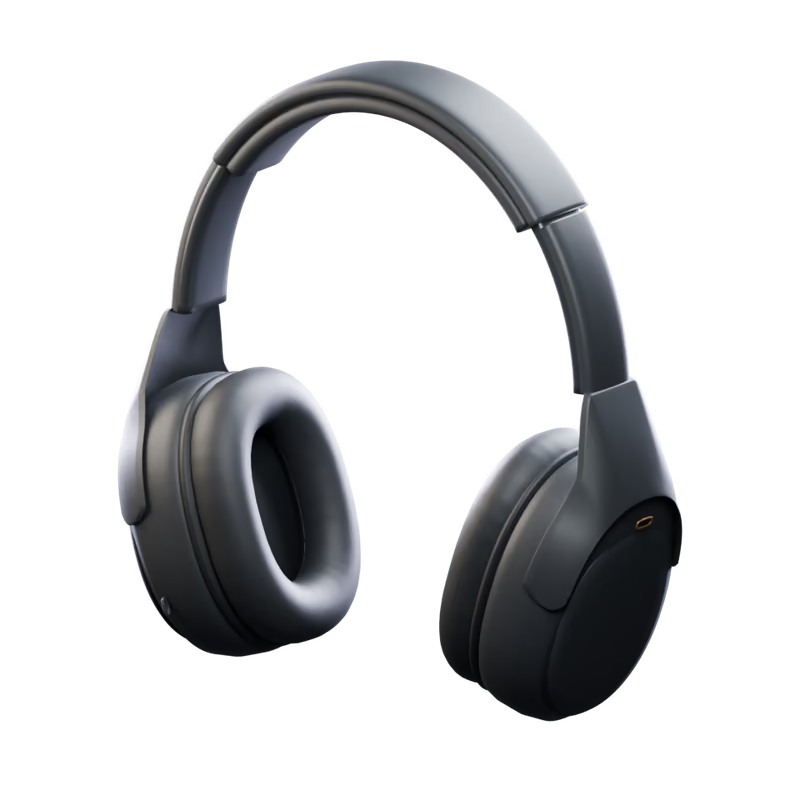
What you can do with the WH-1000XM4
Noise control
Noise canceling, ambient sound and off, plus wind reduction where your model has it.
Ambient level
Let the outside in a little or a lot, with Focus on Voice for conversations.
Equalizer
Presets, your own band curve and Clear Bass, with the curve drawn as you drag.
DSEE and codec
DSEE Extreme on or off, the codec in use, and sound quality or connection priority.
Speak-to-Chat
Start talking and your music pauses, with its sensitivity and timer.
Scenes
Your settings in one click, or automatically by connection, schedule or app.
Menu bar
Your headphone controls and scenes, one click away in the menu bar.
Connect your WH-1000XM4
- 1
Pair the WH-1000XM4 in System Settings → Bluetooth.
- 2
Download Open Sound Connect, move it to Applications and open it.
- 3
Allow Bluetooth when macOS asks. Your WH-1000XM4 appears in My Device.
Other headphones