
Your Sony headphones,at home on your Mac
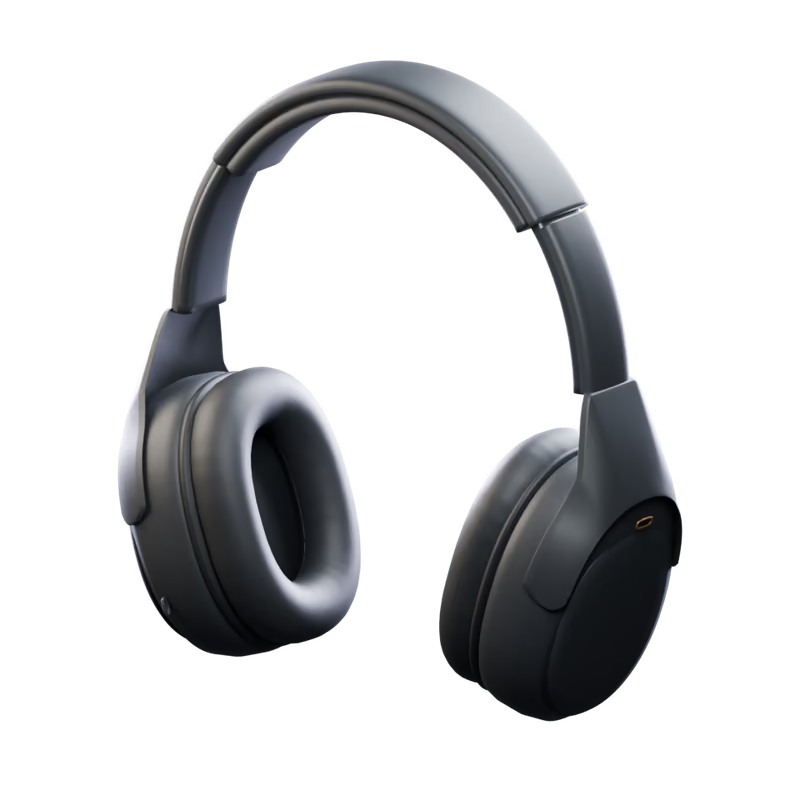
Tune what you hear,
right from your Mac
Shape your sound. Set your controls. Make your headphones feel at home on your Mac.
One click for every
part of your day
Save your settings as scenes. Apply one with a click, or let them follow you: when the headphones connect, on a schedule, or when you open an app.
- 20levels of ambient sound
- 18languages built in
- 0app analytics or trackers

The 1000X family,
one app
Control Sony MDR-1000X, WH-1000XM2, WH-1000XM3, WH-1000XM4, WH-1000XM5, WH-1000XM6, WH-1000XX from your Mac. Noise canceling, sound settings, scenes and a menu bar panel, with controls tailored to each model.
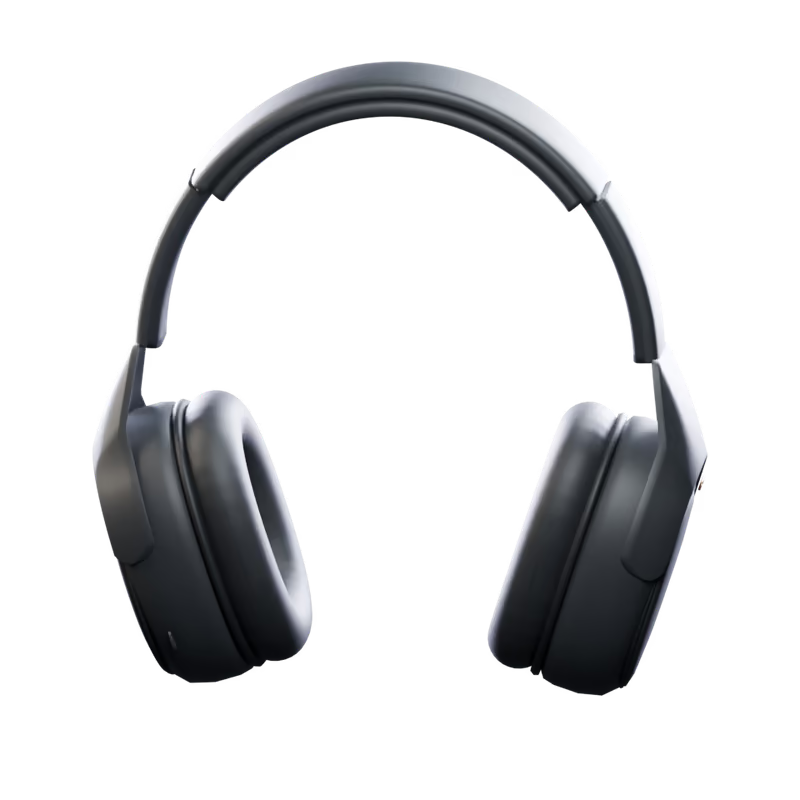 WH-1000XM4Noise CancelingAmbient SoundEqualizerDSEE ExtremeSpeak-to-Chat
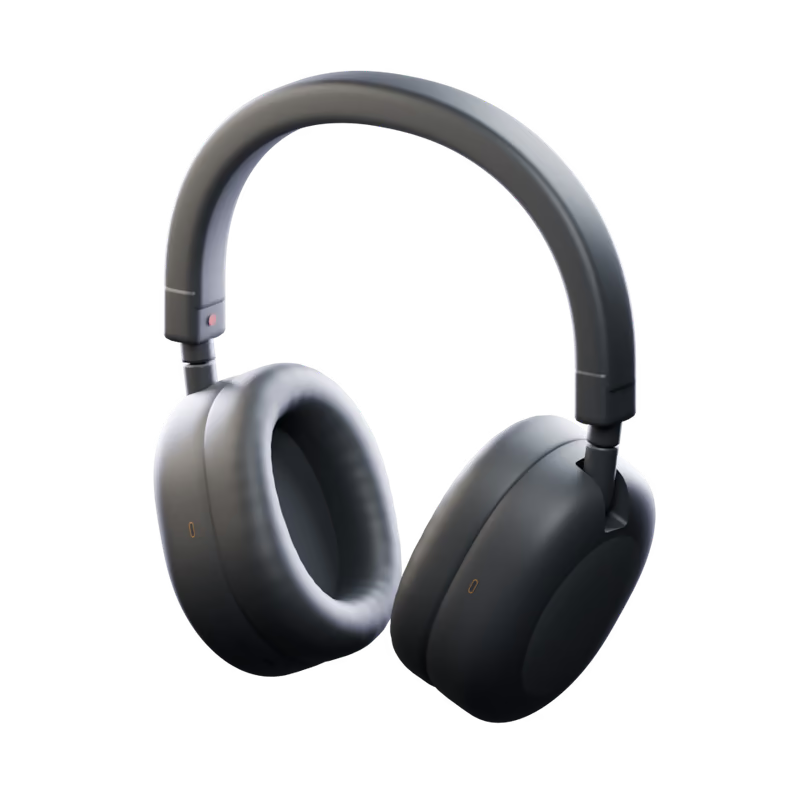 WH-1000XM5Noise CancelingAmbient SoundEqualizerDSEE ExtremeSpeak-to-Chat
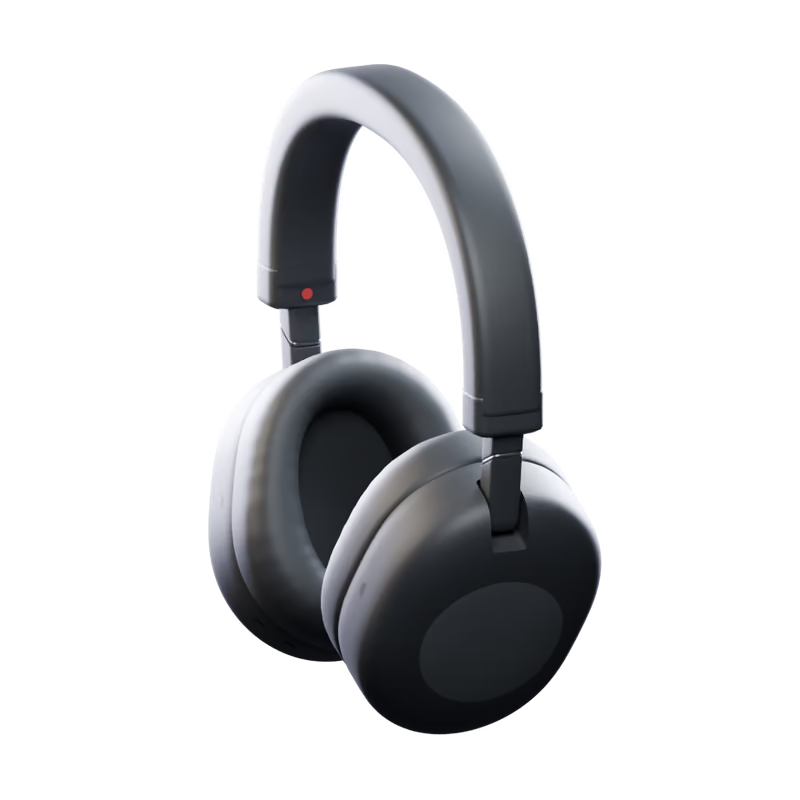 WH-1000XM6Noise CancelingAmbient SoundEqualizerDSEE ExtremeSpeak-to-Chat
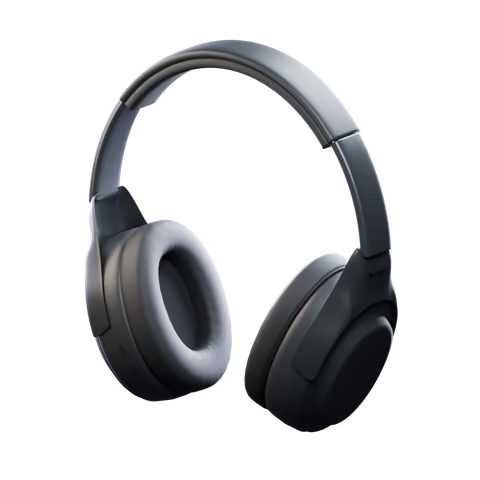 MDR-1000XNoise CancelingAmbient SoundScenesMenu Bar
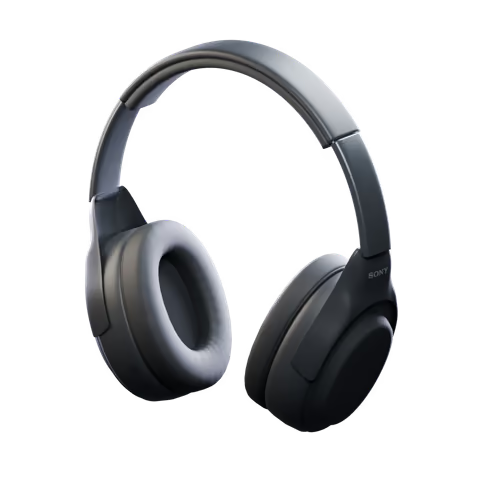 WH-1000XM2Noise CancelingAmbient SoundEqualizerDSEE HXScenesMenu Bar
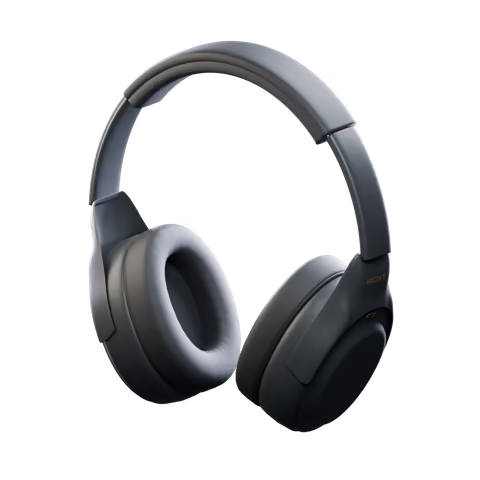 WH-1000XM3Noise CancelingAmbient SoundEqualizerDSEE HXScenesMenu Bar
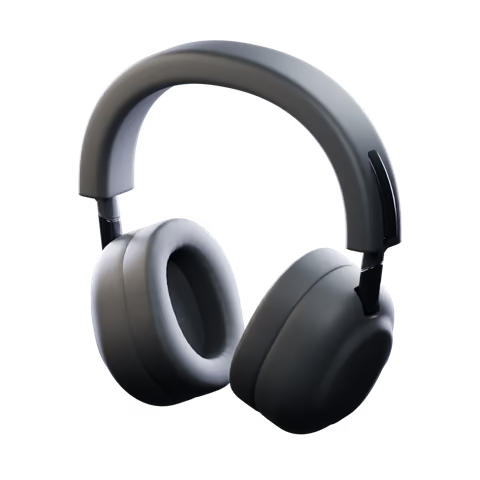 WH-1000XX1000X The CollexionNoise CancelingAmbient SoundEqualizerDSEE UltimateSpeak-to-ChatListening ModesScenesMenu Bar
The app shows the controls available on your headphones.
Up and running in
three steps
Drop it in Applications and open it. Allow Bluetooth once, and your headphones are there.
Built
the Mac way
Keyboard shortcuts
⌘1 to ⌘8 for every page, ⌃⌘1 and up for your scenes, ⌘K to connect, ⌘R to refresh.
Activity
Every change and whether the headphones confirmed it, in one place.
18 languages
It follows your Mac's language, or the one you pick in Settings.
Reconnects on its own
Take the headphones off, come back later: the controls are there again before you look.
Opens at login
If you like, it starts quietly in the menu bar, so scenes and controls are ready when you are.
Your sound stays
on your Mac
Headphone controls, scenes and preferences stay local. Direct downloads use Polar for checkout and license activation; the App Store version does not use Polar or make network requests.
Get a license through Polar and manage your active installations in its customer portal.
Scenes, curves and preferences are saved on your Mac.
No app tracking or usage statistics. A random installation ID is used only for direct-download licensing.
Every line is on GitHub, under the MIT License.
Questions,
answered
Which headphones does it work with?
Control Sony MDR-1000X, WH-1000XM2, WH-1000XM3, WH-1000XM4, WH-1000XM5, WH-1000XM6, WH-1000XX from your Mac. Noise canceling, sound settings, scenes and a menu bar panel, with controls tailored to each model.
Do I need Sony's app, a phone or an account?
No Sony account or phone is needed. Direct downloads require a license from Polar. The Mac App Store version does not use Polar.
Where do I get it?
Get a license from Polar through the download page, then download and activate the app. Each license allows two active installations, which you can deactivate in Polar. A separate Mac App Store version is on its way.
Does anything leave my Mac?
The App Store version makes no network requests. Direct downloads contact Polar with your license key, activation ID and a random installation ID, and check GitHub for updates. Headphone data, scenes and listening history are not sent to Polar.
Do my settings carry over to my phone?
Noise control, the equalizer and the other headphone settings live in the headphones themselves, so they stay as you left them when you switch to your phone. Scenes and saved curves stay on your Mac.
Which Macs can run it?
Any Mac with macOS 15 Sequoia or later, Apple silicon or Intel.
Put your headphones
in the menu bar
macOS 15 or later · Apple silicon and Intel