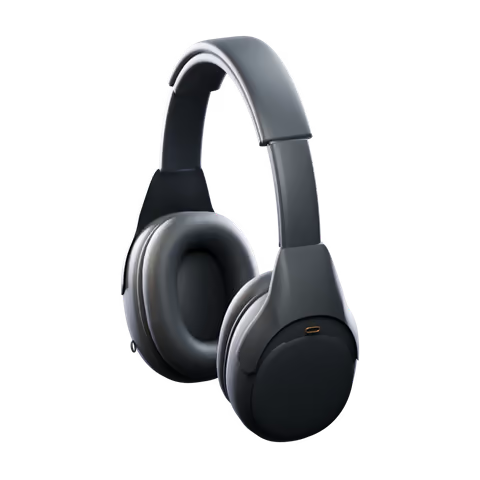
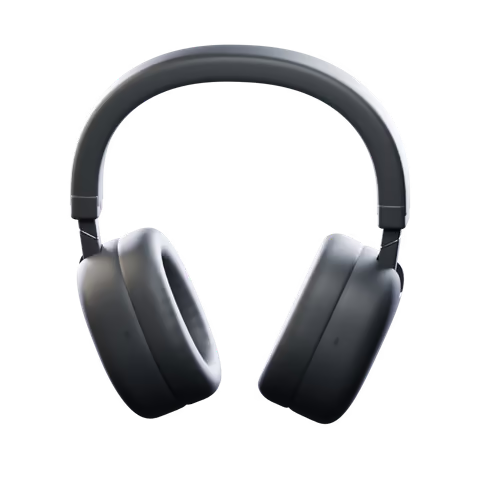
您的 Sony 耳机,在 Mac 上同样得心应手
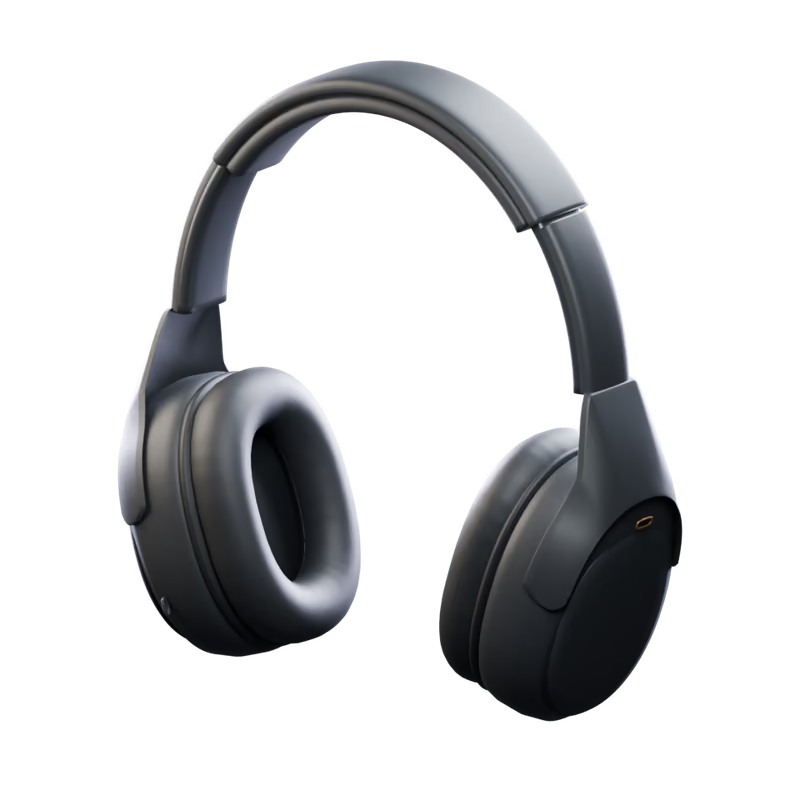
您听到的声音,
在 Mac 上随心调节
切换降噪、设定环境声级别、调整均衡器。每次更改都会从耳机读回确认,因此您看到的就是耳机正在使用的设置。
一天中的每个时刻,
一键切换
将设置保存为场景。一键即可应用,也可以让场景自动跟随您:耳机连接时、按定时计划,或打开某个 App 时。
- 20级环境声调节
- 18种界面语言
- 0app analytics or trackers

1000X 家族,
一个 App
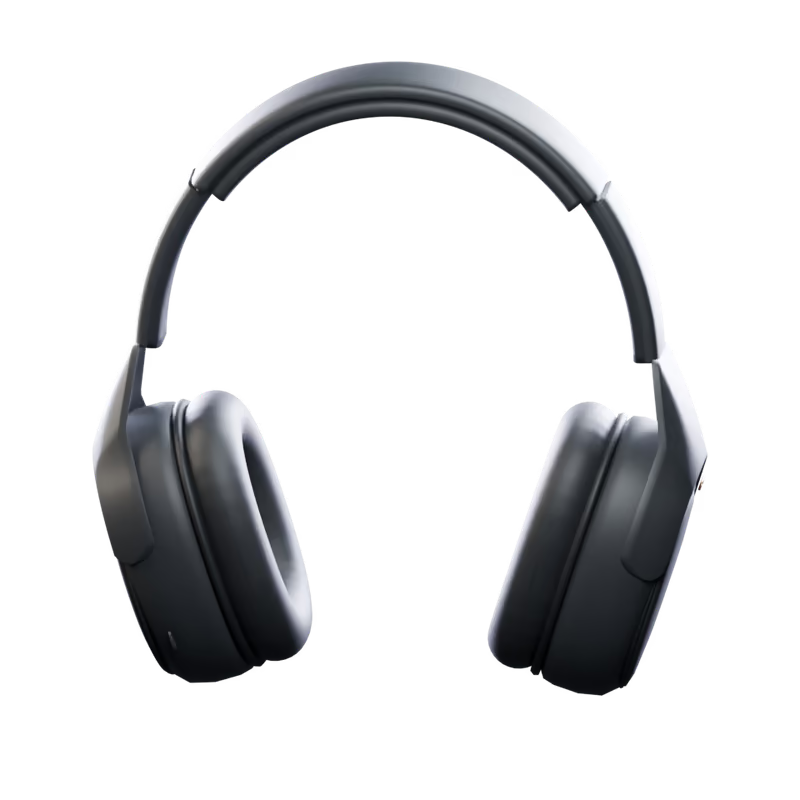
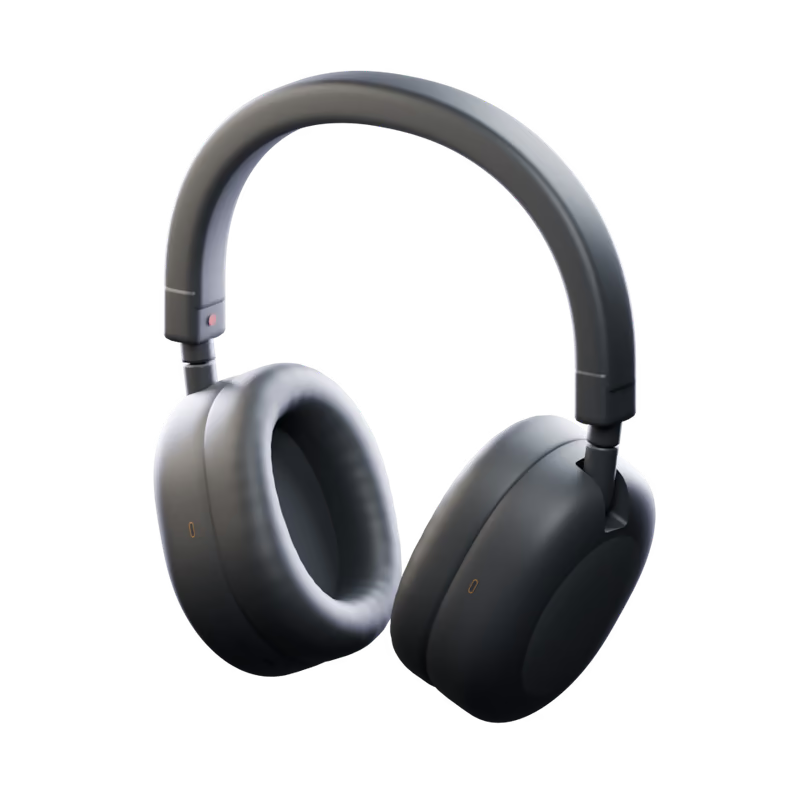
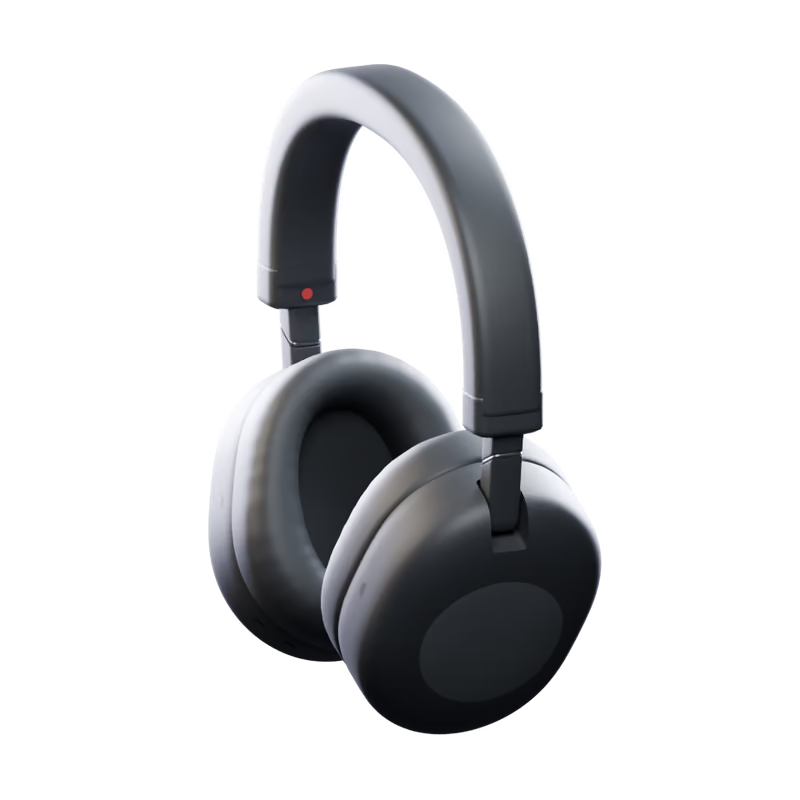
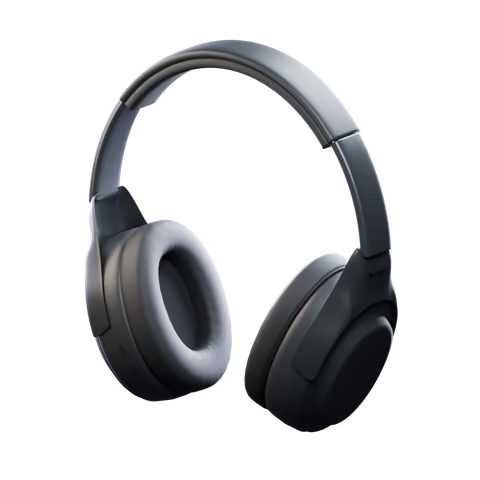
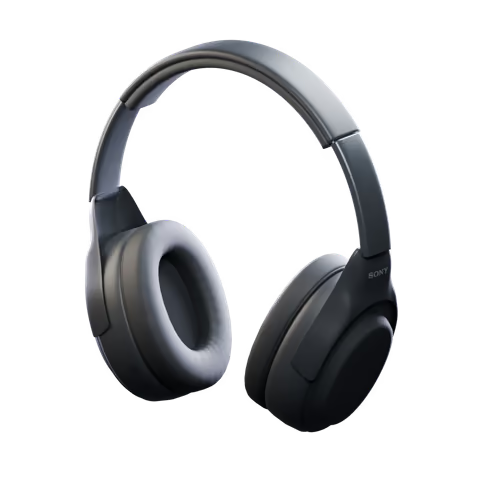
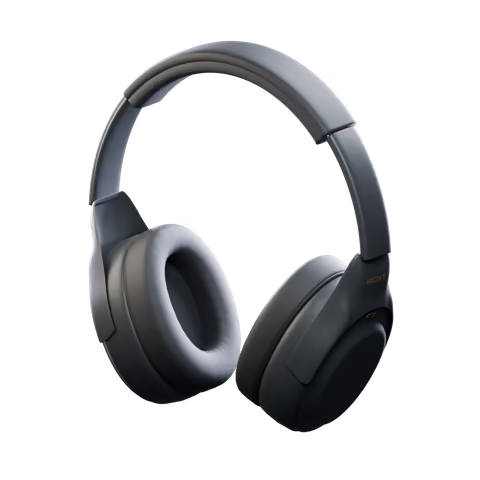
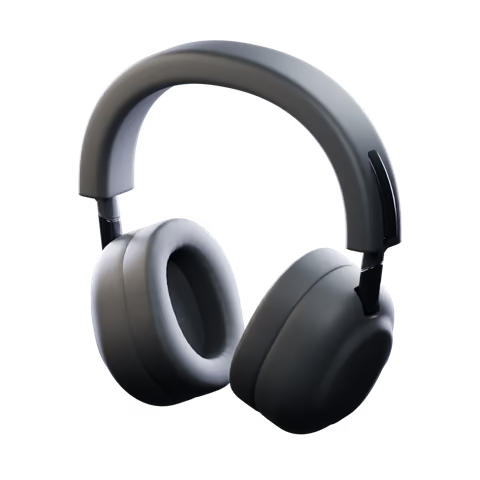
在 Mac 上控制 Sony MDR-1000X, WH-1000XM2, WH-1000XM3, WH-1000XM4, WH-1000XM5, WH-1000XM6, WH-1000XX。降噪、声音设置、场景和菜单栏面板,按耳机型号显示可用功能。
三步即可上手
拖入“应用程序”并打开。允许一次蓝牙访问,您的耳机就会出现。
每个细节,
都是 Mac 的方式
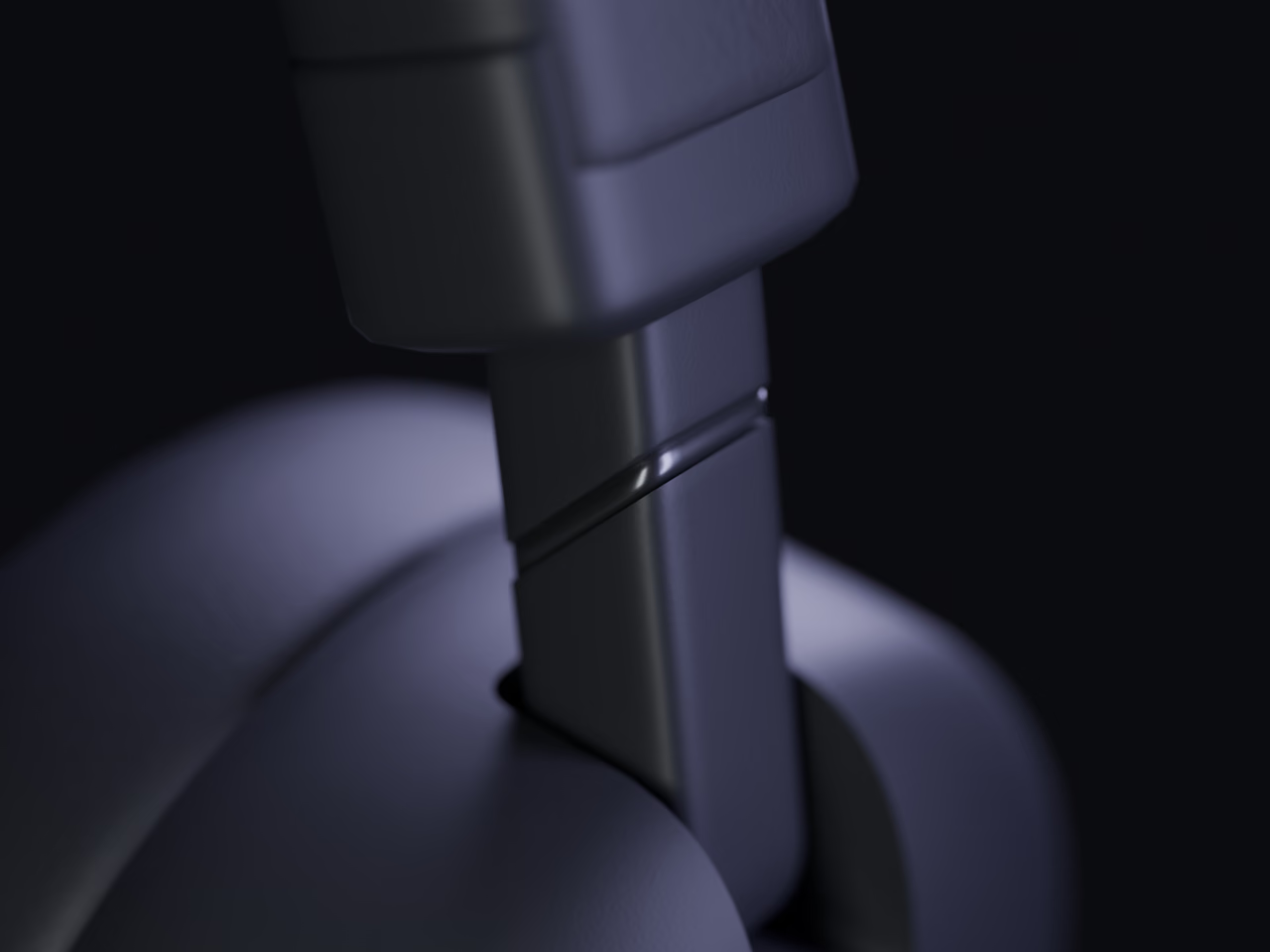
键盘快捷键
⌘1 至 ⌘8 切换各个页面,⌃⌘1 起应用场景,⌘K 连接,⌘R 刷新。
活动
每一项更改,以及耳机是否已确认,尽在一处。
18 种语言
跟随 Mac 的语言,或使用您在设置中选择的语言。
自动重新连接
摘下耳机,稍后再回来:不等您查看,控制项就已恢复。
登录时打开
如果需要,它会在菜单栏中静默启动,场景和控制项随时待命。
Your sound stays
on your Mac
Headphone controls, scenes and preferences stay local. Direct downloads use Polar for checkout and license activation; the App Store version does not use Polar or make network requests.
Get a license through Polar and manage your active installations in its customer portal.
Scenes, curves and preferences are saved on your Mac.
No app tracking or usage statistics. A random installation ID is used only for direct-download licensing.
Every line is on GitHub, under the MIT License.
您的疑问,
在此解答
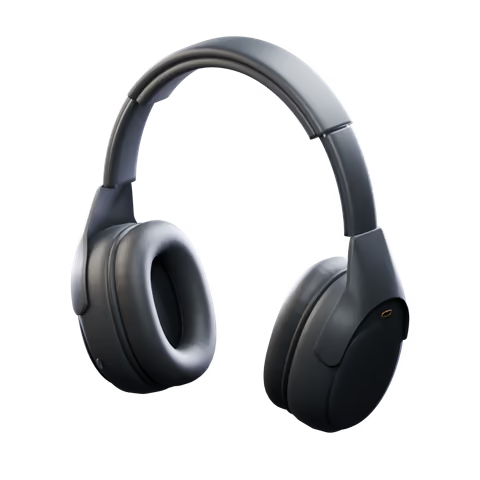
支持哪些耳机?
在 Mac 上控制 Sony MDR-1000X, WH-1000XM2, WH-1000XM3, WH-1000XM4, WH-1000XM5, WH-1000XM6, WH-1000XX。降噪、声音设置、场景和菜单栏面板,按耳机型号显示可用功能。
Do I need Sony's app, a phone or an account?
No Sony account or phone is needed. Direct downloads require a license from Polar. The Mac App Store version does not use Polar.
Where do I get it?
Get a license from Polar through the download page, then download and activate the app. Each license allows two active installations, which you can deactivate in Polar. A separate Mac App Store version is on its way.
Does anything leave my Mac?
The App Store version makes no network requests. Direct downloads contact Polar with your license key, activation ID and a random installation ID, and check GitHub for updates. Headphone data, scenes and listening history are not sent to Polar.
我的设置会沿用到手机上吗?
噪声控制、均衡器和其他耳机设置都保存在耳机本身,因此切换到手机时,它们会保持您离开时的状态。场景和已保存的曲线则保留在您的 Mac 上。
哪些 Mac 可以运行?
任何搭载 macOS 15 Sequoia 或更高版本的 Mac,Apple 芯片或 Intel 均可。