
Je Sony-hoofdtelefoon,thuis op je Mac
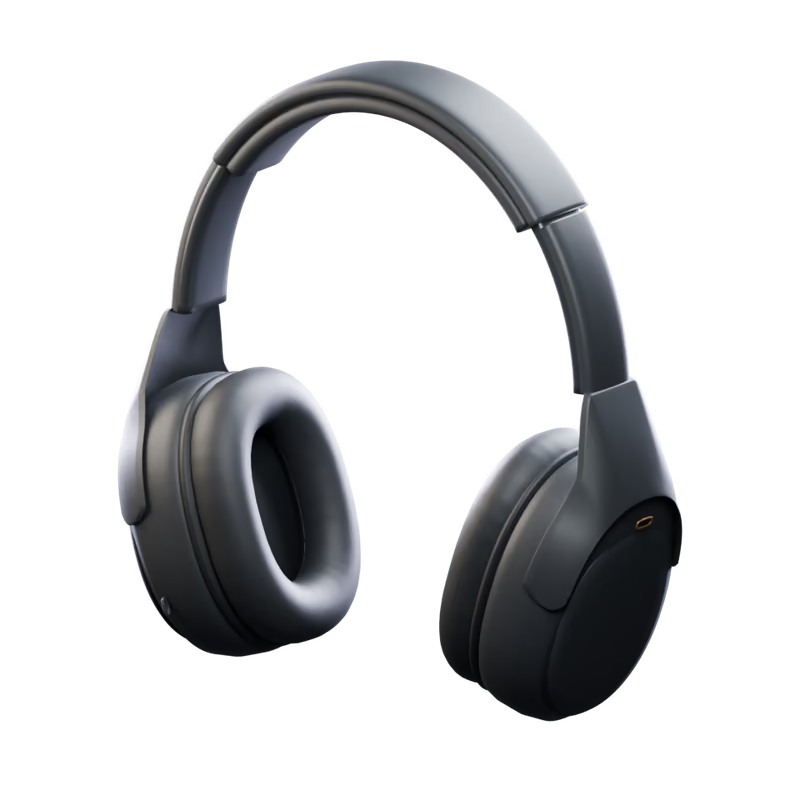

Stem af wat je hoort,
gewoon vanaf je Mac
Zet ruisonderdrukking aan, stel het omgevingsniveau in en geef de equalizer vorm. Elke wijziging wordt teruggelezen van de hoofdtelefoon, dus wat je ziet, is wat hij gebruikt.
Eén klik voor elk
moment van je dag
Bewaar je instellingen als scènes. Pas er een toe met één klik, of laat ze je volgen: als de hoofdtelefoon verbinding maakt, volgens een schema of als je een app opent.
- 20niveaus omgevingsgeluid
- 18ingebouwde talen
- 0app analytics or trackers

De 1000X-familie,
één app
Bedien Sony MDR-1000X, WH-1000XM2, WH-1000XM3, WH-1000XM4, WH-1000XM5, WH-1000XM6, WH-1000XX vanaf je Mac. Ruisonderdrukking, geluidsinstellingen, scènes en een menubalkpaneel met bediening per model.
 WH-1000XM4RuisonderdrukkingOmgevingsgeluidEqualizerDSEE ExtremeSpeak-to-Chat
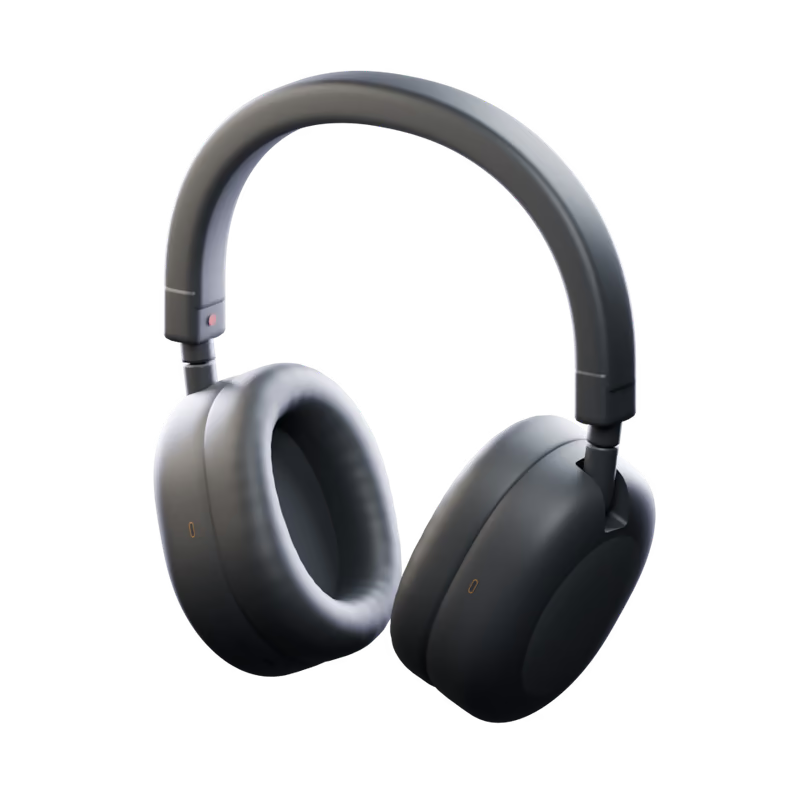 WH-1000XM5RuisonderdrukkingOmgevingsgeluidEqualizerDSEE ExtremeSpeak-to-Chat
 WH-1000XM6RuisonderdrukkingOmgevingsgeluidEqualizerDSEE ExtremeSpeak-to-Chat
 MDR-1000XRuisonderdrukkingOmgevingsgeluidScènesMenubalk
 WH-1000XM2RuisonderdrukkingOmgevingsgeluidEqualizerDSEE HXScènesMenubalk
 WH-1000XM3RuisonderdrukkingOmgevingsgeluidEqualizerDSEE HXScènesMenubalk
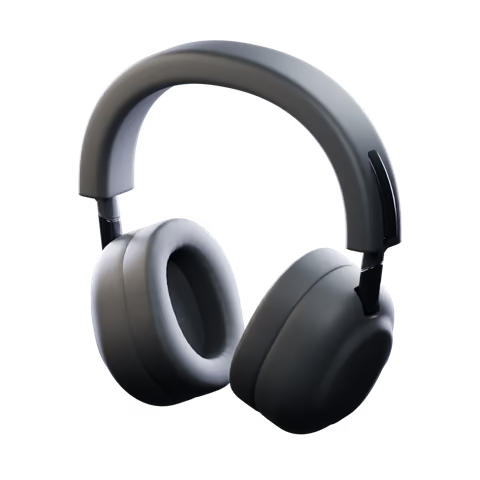 WH-1000XX1000X The CollexionRuisonderdrukkingOmgevingsgeluidEqualizerDSEE UltimateSpeak-to-ChatLuistermodiScènesMenubalk
De app toont de bediening die beschikbaar is voor je hoofdtelefoon.
Klaar in
drie stappen
Zet de app in Apps en open hem. Sta Bluetooth één keer toe en je hoofdtelefoon is er.
Gemaakt
zoals een Mac-app hoort


Toetscombinaties
⌘1 tot en met ⌘8 voor elke pagina, ⌃⌘1 en verder voor je scènes, ⌘K om verbinding te maken, ⌘R om te vernieuwen.
Activiteit
Elke wijziging, en of de hoofdtelefoon die heeft bevestigd, op één plek.
18 talen
Volgt de taal van je Mac, of de taal die je kiest in Instellingen.
Maakt zelf weer verbinding
Zet je hoofdtelefoon af en kom later terug: de bediening is er weer voordat je kijkt.
Opent bij inloggen
Als je wilt, start de app stil in de menubalk, zodat scènes en bediening klaarstaan zodra jij dat bent.

Your sound stays
on your Mac
Headphone controls, scenes and preferences stay local. Direct downloads use Polar for checkout and license activation; the App Store version does not use Polar or make network requests.
Get a license through Polar and manage your active installations in its customer portal.
Scenes, curves and preferences are saved on your Mac.
No app tracking or usage statistics. A random installation ID is used only for direct-download licensing.
Every line is on GitHub, under the MIT License.

Je vragen,
beantwoord
Met welke hoofdtelefoons werkt het?
Bedien Sony MDR-1000X, WH-1000XM2, WH-1000XM3, WH-1000XM4, WH-1000XM5, WH-1000XM6, WH-1000XX vanaf je Mac. Ruisonderdrukking, geluidsinstellingen, scènes en een menubalkpaneel met bediening per model.
Do I need Sony's app, a phone or an account?
No Sony account or phone is needed. Direct downloads require a license from Polar. The Mac App Store version does not use Polar.
Where do I get it?
Get a license from Polar through the download page, then download and activate the app. Each license allows two active installations, which you can deactivate in Polar. A separate Mac App Store version is on its way.
Does anything leave my Mac?
The App Store version makes no network requests. Direct downloads contact Polar with your license key, activation ID and a random installation ID, and check GitHub for updates. Headphone data, scenes and listening history are not sent to Polar.
Gaan mijn instellingen mee naar mijn telefoon?
Ruisregeling, de equalizer en de andere instellingen van de hoofdtelefoon staan in de hoofdtelefoon zelf, dus ze blijven zoals je ze achterliet als je overstapt naar je telefoon. Scènes en bewaarde curves blijven op je Mac.
Op welke Macs werkt het?
Op elke Mac met macOS 15 Sequoia of nieuwer, met Apple silicon of een Intel-processor.

Zet je hoofdtelefoon
in de menubalk
macOS 15 of nieuwer · Apple silicon en Intel